
SEO for Bloggers
This page provides a summary of our free tutorial content, a free e-book, and an action plan for newbies.
Our done-for-you services are here.
Where to even start?
If you want to learn how to optimize your site for Google – and your website is built on WordPress – all that you need is on this page. We will go over a lot of SEO wisdom, advice, and checklists – but it is laid out so you can jump around to the sections that make sense for you.
Learn the Basics
Go through the on-page tutorials first, then the off-page ones.
Create a Routine
Use DIY SEO for Bloggers to create and maintain an SEO routine.
What is SEO?
SEO is the sum of activities that promote your web pages to the top of google for particular search terms.
First, never ever do anything to trick the search engines. The google geeks are pretty darn smart. And a lot of the advice out there is going to be really bad for your website. If in doubt, ask!
The particular search terms that you want to target are known as keywords. These are really really important. And very few people do this correctly! If you only learn one thing today – let it be how to find keywords!
- SEO (Search Engine Optimization) – everything you do to help your web pages rank higher in Google’s results.
- Keywords – the exact words and phrases people type into Google. Your job is to write content that matches what real people search for.
- Backlink – a link from someone else’s website pointing to yours. Google treats backlinks like votes of trust.
- Crawling & indexing – Google’s automated bots (“crawlers”) read your site and add (“index”) your pages to their database. If a page isn’t indexed, it can’t show up in search results at all.
- SERP – Search Engine Results Page. The list of results you see after you search something.
- Meta description – the short snippet of text under your page’s title in Google’s results. You write it; Google decides whether to use it.
- Core Web Vitals – Google’s official measurements of how fast and stable your page feels to load and use.
- Nofollow – a tag added to a link telling Google “don’t count this as a vote of trust.” Used for ads, sponsored posts, and untrusted sources.
Step 1: Get Your Foundation Right
Before you write a single word of content, a few site-wide settings need to be correct. These are one-time (or rarely-touched) settings.
- Fix your permalinks – your permalink is the actual URL of each page. Dates in URLs make posts look outdated (even when they aren’t) and are hard to update later.
- Lock down basic security – a hacked site gets removed from Google’s index entirely, which erases all your SEO progress overnight.
- Turn on SSL (HTTPS) – Google penalizes sites without the padlock icon. This is non-negotiable in 2026.
Step 2: Find Your Keywords
This is, hands-down, the step most people skip – and the one that matters most. If you write about the right topic but use the wrong words, Google will never connect your page to the person searching for it.
- The Ultimate Guide to Keyword Research – start here.
- 2 Free Tools for Keyword Research – no budget needed.
- AI Prompt: SEO Keyword Research – a ready-to-use prompt if you’d rather have AI help you brainstorm.
Step 3: Set Up Your SEO Plugin
An SEO plugin is the tool that lets you apply what you’re learning – writing meta descriptions, checking readability, generating your sitemap – without touching code. Jump down to plugin setup →
Step 4: Optimize Every Post You Publish
Once your foundation is set and you know your keywords, every new post (or page) gets the same treatment:
- Use headings properly – headings (H1, H2, H3) tell Google the structure of your content, not just make text bigger.
- Links and image alt tags – alt tags describe images for both accessibility and Google’s image search.
- Categories and tags – these organize your site for readers and Google alike.
- Post dates – a quiet setting that can quietly hurt (or help) how fresh your content looks to Google.
Publishing recipes? Recipes need their own special markup so Google can show the star ratings and cook times you see in search results.
- Blog Layouts (& Recipes) for SEO
- Which Recipe Plugin Is Best?
- Fix Recipes Markup – email by Google Search Console
Have old posts? Don’t let them sit there quietly losing traffic.
Step 5: Speed Things Up (Core Web Vitals)
Core Web Vitals measure how fast your page loads and how stable it feels while loading – Google uses these numbers as a direct ranking factor.
- Core Web Vitals – What It Is and How to Test It
- Speed Up Your Mobile Navigation
- INP: New Metric for Core Web Vitals
Prefer to have this handled for you? See our Core Web Vitals service.
Step 6: Build Backlinks the Ethical Way
Backlinks are one of the strongest trust signals Google has. There’s a right way and a wrong way to get them.
- Create a Sitemap & Submit to Google – a sitemap is a map of your site’s pages that helps Google find and crawl everything you’ve published.
- Google Changes NoFollow Rules
- How to Add Nofollow to Your Advertiser’s Links
- NoOpener NoReferrer in Our Links
- Notice of Unnatural Links – what it means if Google flags your site
- 3 Steps to Dealing with an ‘Unnatural Link’ Notice – word-for-word, how to reply
- Pinterest Workshop
Step 7: Build a Cornerstone Page
A cornerstone page (like this one!) is a single, comprehensive hub that other pages link back to. Search engines treat cornerstone pages as your site’s most authoritative content on a topic.
Step 8: Understand Modern (AI) Search
Search itself has changed. Google now answers many questions directly with AI-generated summaries, before a reader ever clicks a link. This doesn’t make SEO pointless – it changes what “ranking” even means.
- AI, Search & Traffic in 2026: Is SEO Dead?
- AI Mode in Google: What This Means for SEO
- The Obvious Problem with SEO in 2025
For the full picture of how AI is reshaping content strategy, visit our AI & WordPress for Content Creators hub.
Step 9: Test, Monitor, and Avoid the Myths
SEO isn’t “set it and forget it.” Check in periodically, and don’t fall for the noise.
- Why Am I Going Down (or Up) in Google Search Results?
- Improving Your Search Results in Under 60 Seconds
- Realistic SEO for New Blogs – set expectations before you get discouraged
- Recent SEO Myths Swirling Around Blogging Groups
- FAQ for SEO
Want us to check your work? Request your free SEO audit below →
Quick Reference
Prefer to jump straight to a topic instead? Here’s the same tutorials, grouped by section.
SEO 101
These tutorials will introduce you to the basic concepts of Search Engine Optimization that you need for every webpage you manage.
On-Page SEO (102)
These articles give you some basics for setting up your pages with SEO in mind. We are using the term ‘pages’ interchangeably with ‘posts’.
Off-Page SEO (103)
Getting backlinks is the goal of all SEO -conscious folks. This is how to do it ethically and keep Google happy.
Configure an SEO Plugin
We recommend SEO for WordPress by Yoast. Instructions for installing are in the pdf available below.
Request a Free SEO Audit
Enter your URL including HTTPS:// and we will send your audit (14 pages or so) to your email.
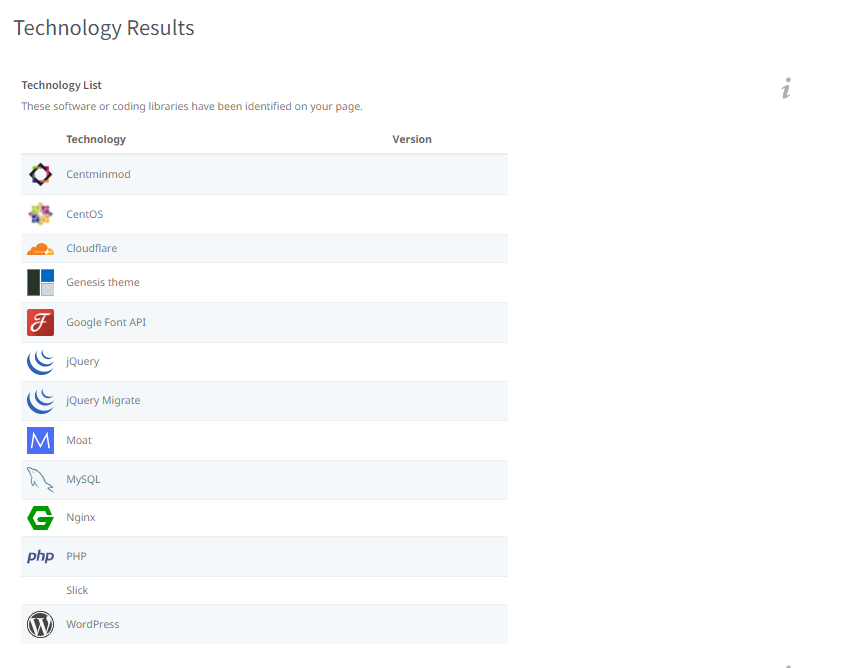
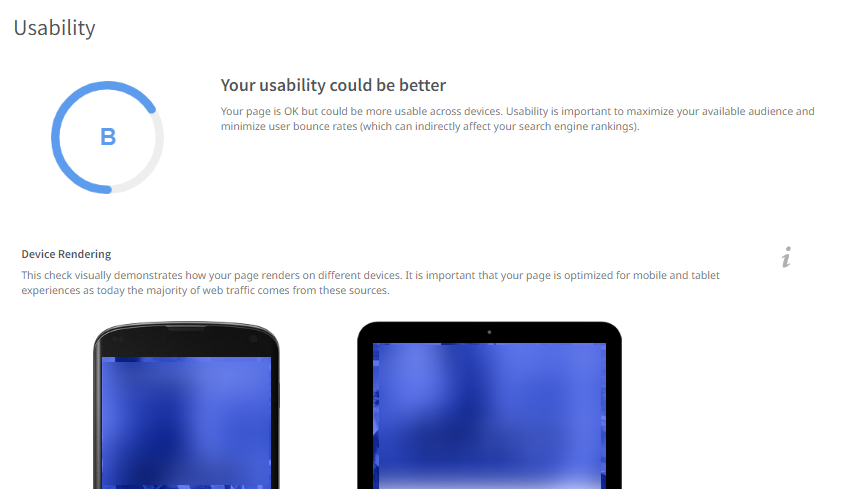
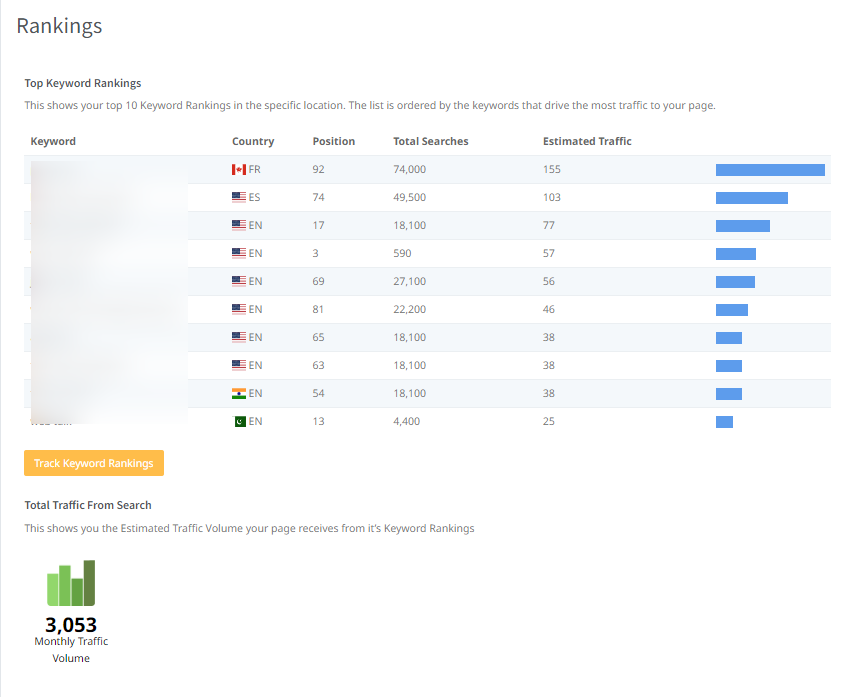
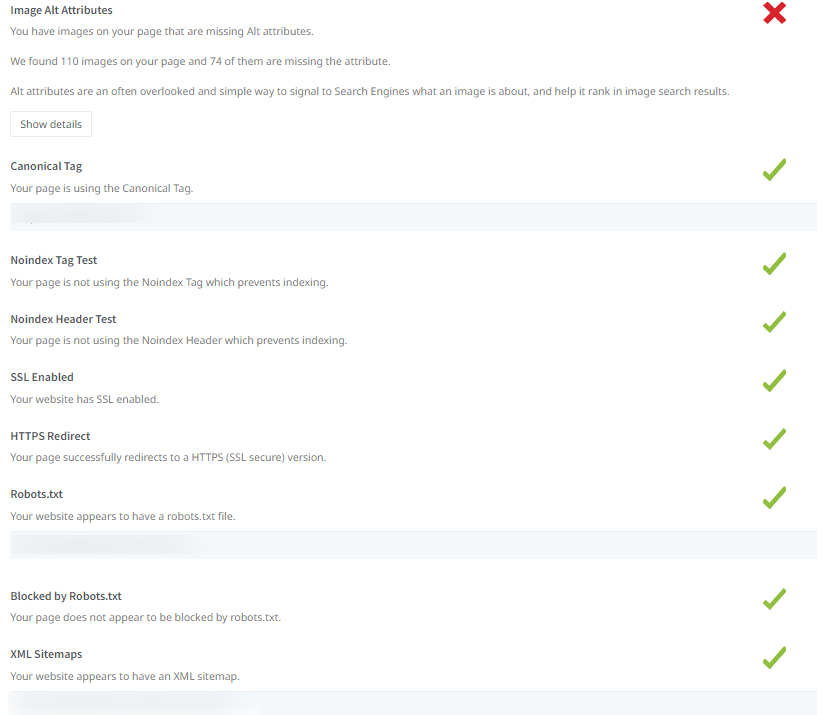
Audit contains simple grades for each area of your site that impacts SEO, including HTML and headers, user-friendliness, core web vitals, speed and more.





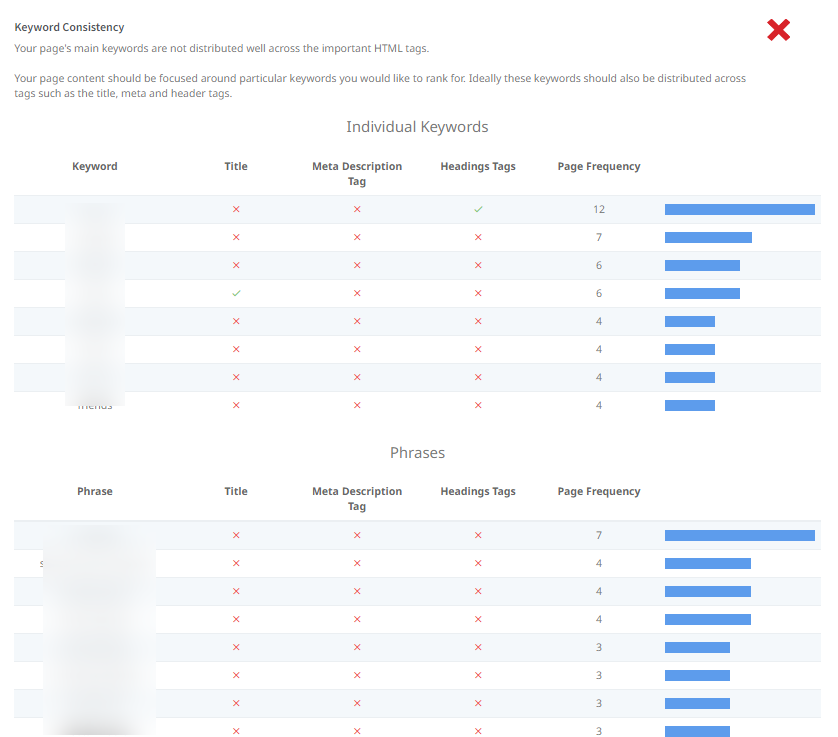

If you don’t receive the audit, wait 10 minutes, check email again.
DIY SEO for Bloggers
Get a complimentary e-book, “DIY SEO for Bloggers” to create a checklist and timeline that is customized for your website. If you sign up for this, you will not be double subscribed!